

Desktop Recording SDK FAQ
Find answers to common Desktop Recording SDK recording, detection, upload, and platform questions so you can troubleshoot faster.
When Will the DSDK Capture Video Successfully?
General rule: If you can see the meeting, the DSDK can usually capture it as well.
| Scenario | Will DSDK Capture Video? | Notes |
|---|---|---|
| Moving meeting window between monitors | ✅ Yes | DSDK locks onto the meeting window itself, not a specific monitor |
| Standalone desktop app (Zoom, Teams app) | 🚧 Yes, if not minimized | Minimized windows cannot be captured |
| Browser-based meeting (Google Meet, Zoom/Teams in browser) while staying on the tab | ✅ Yes | The active browser tab is captured normally |
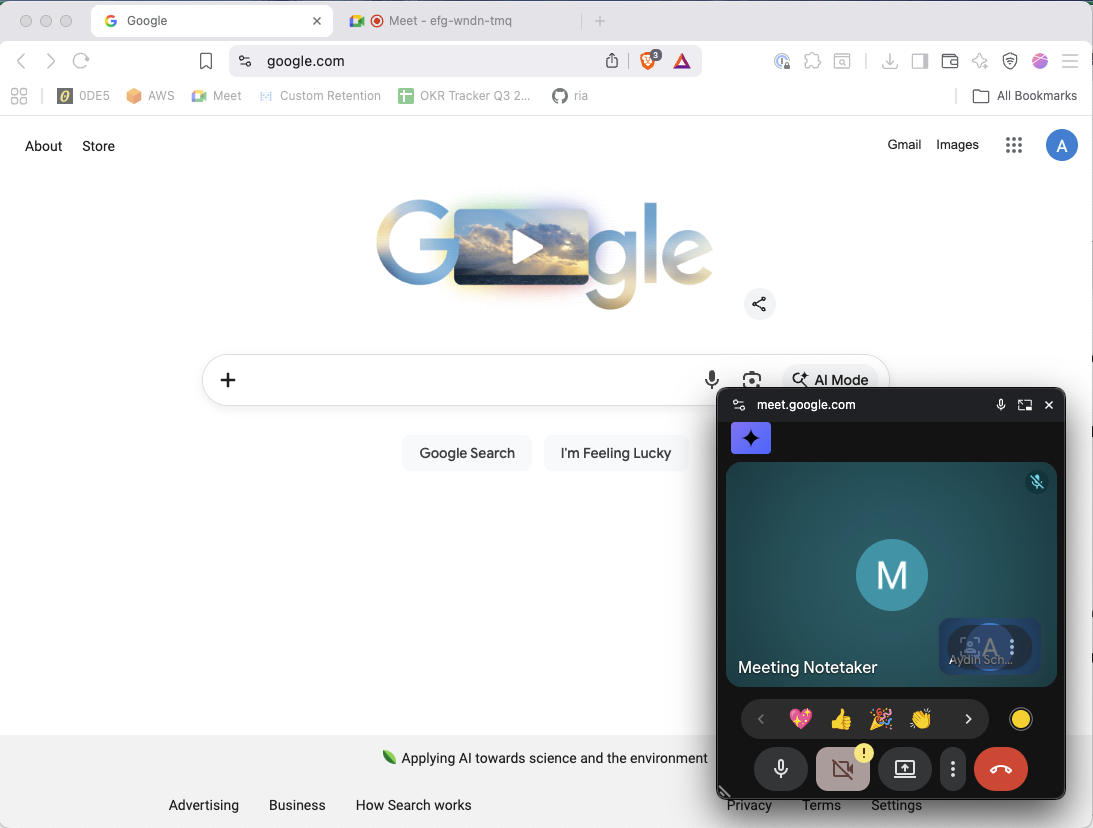
| Browser-based meeting when switching tabs | ❌ No, unless PIP | If tab is switched and no Picture-In-Picture (PIP) frame pops up |
| Mac fullscreen “Space” hidden by switching spaces/desktops | ❌ No | If the fullscreen app is no longer visible, video capture stops |
| Windows virtual desktop equivalent hidden | ❌ No | Same concept as Mac Spaces |
| Focusing/unfocusing the meeting window | ✅ Yes | Window focus does not matter |
| Another window placed on top of the meeting window | ✅ Yes | The meeting is still rendered behind the covering window |
| Window minimized | ❌ No | Minimized windows are not rendered |
How does the Desktop Recording SDK stay compliant with recording laws?
The developer is responsible for staying compliant with recording laws, and Recall only provides the tools to enable recording on desktop.
Can the Desktop Recording SDK record meetings without an internet connection?
Currently offline recording support is not available. If this is something you're interested in, please reach out to our support email or via your dedicated Slack channel to let us know more about your use case!
Can I get the meeting URL for a detected meeting?
Yes! When your code receives an event that contains meeting information, such as meeting-detected or meeting-updated, it will contain the URL for the meeting. One caveat is that on macOS, the user must restart Zoom once after the Desktop SDK has been initialized for the first time, and URL detection for Zoom will work from then on.
A list of platforms where meeting URL detection is possible can be found on our Supported Platforms page.
What programming languages do you support with the Desktop Recording SDK?
The Desktop Recording SDK is distributed as an npm package, so it natively supports Javascript and TypeScript. Bindings for other languages aren't currently available.
Can I receive separate audio streams with the Desktop Recording SDK?
Yes, using Raw Media capture mode, the Desktop SDK is able to capture separate audio streams.
How does the Desktop Recording SDK record meetings?
The Desktop SDK has two capture modes that each capture slightly differently.
Standard capture works by calling operating system APIs to get audio, video, and other metadata from online meetings. For speaker timeline and participant metadata specifically, it uses the operating system's accessibility APIs to programmatically detect call state, participant joins, and who's speaking.
Raw Media capture works by capturing and interpreting the communication between the meeting provider and the client.
Can the Desktop SDK record multiple meetings on the same machine simultaneously?
No, currently the Desktop SDK cannot record multiple meetings on the same machine simultaneously.
Can I record the same meeting using two versions of my app running the Desktop SDK?
No, currently we do not recommend running two instances of your app (e.g. staging/production) with the Desktop SDK concurrently to record the same meeting.
What is the recording behavior when the device is locked/unlocked?
For MacOS:
- Unlocked - full features
- Locked - audio-only
- Laptop lid closed - stops recording (the meeting platform ends the meeting so the Desktop SDK stops recording)
How to get participant emails through the Desktop SDK?
There isn't a direct way to get participant emails because meeting platforms don't natively expose this information unfortunately. The recommended way to get participant names is to:
- Integrate with the user's calendar directly to get a list of their calendar events (you can do this with the Calendar V2 integration)
- Listen for the meeting URL on the
meeting-updatedevent through the DSDK event listener and send it to your server - Identify the associated calendar event (e.g. via start time + the meeting URL) to retrieve participant emails
- Fuzzy match the participant emails against the participant names of those in the call
Why does the video quality get worse when I switch tabs?
Platforms like Google Meet have a Picture-in-Picture mode which allows users to navigate to different browser tabs while the meeting is ongoing. When Picture-in-Picture mode is active, Meet produces smaller, lower-quality video feeds for all participants in the meeting. The Desktop Recording SDK scrapes all participant video feeds directly from the meeting provider, so the video in the recording will also be lower quality while picture-in-picture mode is active.
How to fix Desktop SDK: Couldn't launch! This is likely an issue with the build tool you're using. error on startup?
Desktop SDK: Couldn't launch! This is likely an issue with the build tool you're using. error on startup?Add the following to your webpack.main.config.js, if using webpack:
externals: {
    "@recallai/desktop-sdk": "commonjs @recallai/desktop-sdk",
}
What happens to the recording if a user loses their network connection?
If the network is disconnected during a recording, the recording will automatically end and the SDK will not attempt to restart it. The best practice is to let the end user know the network has been lost and the recording has finished. When the network is restored and the meeting starts again you can prompt them to start recording again.
Does the DSDK support participant.extra_data?
participant.extra_data?There is not a way to access participant.extra_data at this time.
How to deduplicate DSDK uploads recording the same meeting?
Each DSDK upload should be treated as its own separate recording even if the users are recording the same meeting. This is because there is not a straightforward way to deduplicate DSDK uploads at this time.
How to deduplicate DSDK session on the same device
For DSDK per-session deduplication, you can use the meeting URL as the “stable” identifier to determine whether this is the same session as the last one. If the meeting URL for the new meeting-detected matches the one you were just recording when recording-ended/meeting-closed fired, you can safely treat it as the same meeting and suppress a new prompt.
This works cross‑platform wherever a URL is available; for platforms without a URL there unfortunately isn’t a fully stable cross-session ID today.
Why isn't my meeting being detected?
This can happen for a variety of reasons, but the most common is that you're trying to record a meeting on an unsupported platform. Please consult our platform support documentation for an up-to-date list of which platforms have full support. That said, there are some caveats when it comes to detecting meetings on supported platforms. Below are the requirements for meetings to be detected:
Zoom
MacOS: Zoom window must be present in the current virtual space.
Windows: Meeting window must be in the current virtual space.
Meet
MacOS: The Meet must be in a tab that's actively being shown on the screen, or have the picture-in-picture view showing.
Windows: Meeting window must be in the current virtual space.
Teams
MacOS: Teams windows will always be detected.
Windows: Meeting window must be in the current virtual space.
Why is my MacOS DSDK app missing permissions when the device shows they're enabled/granted?
When you run your app unsigned and unpackaged it inherits permissions from the parent program. You need to add the terminal application you are using to the permissions in order for it to work.
Why use the Desktop Recording SDK as opposed to building a botless recorder from scratch?
The Desktop Recording SDK handles many problems and edge cases related to audio, video, device issues, OS and platform compatibility, and more that you'd otherwise need to account for yourself. We’ve compiled a detailed comparison of the Desktop Recording SDK vs Electron’s desktopCapturer and native macOS APIs.
Can I choose which microphone the Desktop Recording SDK uses?
For detected meetings, the SDK attempts to identify the microphone used by the meeting application. If it cannot determine an input device, it uses the system’s default microphone.
On macOS, you cannot currently override the microphone through the SDK. If the local participant’s voice is missing from recordings, make sure the microphone selected in the meeting app matches the device selected under System Settings → Sound → Input.
Updated 2 days ago